Theming#
Every OSPREY browser interface — the terminal and all of its panels — draws its colors and fonts from one shared design system. Pick a theme once and everything matches automatically, in light or dark. You can also design your own.
Choosing a theme#
Themes come in families. OSPREY ships three:
osprey — the default look, in light and dark.
high-contrast — a stronger-contrast family for accessibility, also in light and dark.
apex — a warm, gold-accented alternative look, also in light and dark.
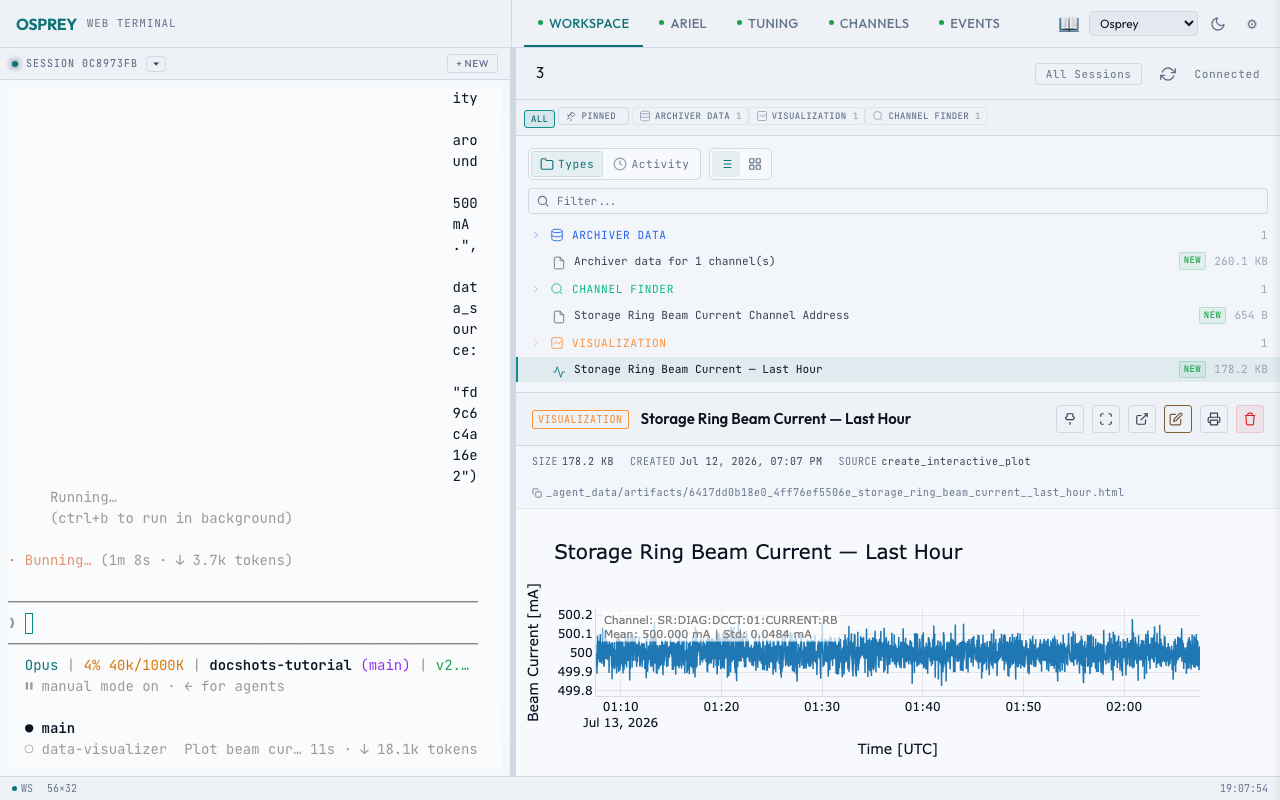
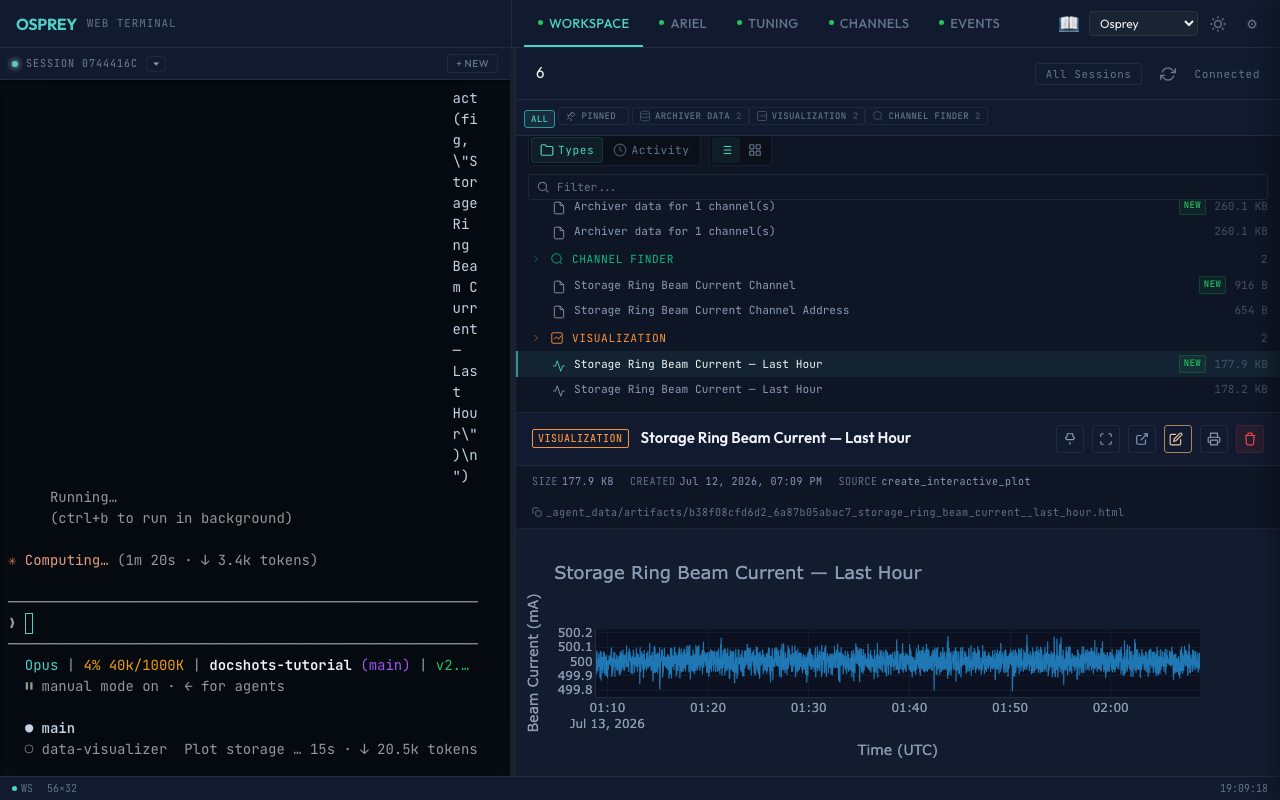
The switcher in the header lets you change family and flip between light and
dark; it remembers your choice, and an auto setting follows your operating
system’s light/dark preference.


The header theme switcher, light and dark. Captured with OSPREY v2026.6.3.
To set the theme a deployment starts in, use web.theme in config.yml:
web:
  theme: osprey        # a family, or a specific theme like high-contrast-light
Name a family to start visitors in that family (light or dark then follows their operating-system preference), or name a specific theme to pin an exact look. Whatever you pick in the browser always wins over this and sticks across reloads.
Note
web.theme (the browser interfaces) is separate from cli.theme (the
colors of OSPREY’s plain terminal output). They never affect each other.
Going deeper — the design system
The colors above aren’t hand-written CSS scattered across each interface — they come from one small, machine-checked token system. You only need this if you are adding a theme or a new interface; the steps below and the design system’s source are the real reference. The tabs are the rough idea.
A theme is a single JSON document listing named colors — backgrounds, text, accents, status colors, the terminal palette. Every theme defines the same set of names, so they are interchangeable, and a build step checks each one’s contrast automatically — more strictly for the high-contrast family. A theme that reads fine but fails the check does not ship until its colors are nudged; the gate is never loosened.
Copy an existing theme’s JSON as a starting point, adjust its color values (and its name/family label), then run the generator:
python -m osprey.interfaces.design_system.generator.build
It validates the whole set and rewrites the compiled CSS/JS. If a color is missing, a name doesn’t match its siblings, or a contrast gate fails, the build stops and tells you exactly where. Fix and re-run until clean, then commit the regenerated files alongside your theme.
Themes are authored as JSON and compiled into the CSS and JavaScript every interface loads. The compiled files are checked in, not built on deploy, so you regenerate and commit them whenever you change a color. A new interface opts in by loading those files and following the same theme boot every OSPREY page uses.
See also
- Panels
Panels use these same tokens, so they theme themselves for free.